
You’re staring at a blank screen. The deadline for your Facebook post is in an hour, and your brain has completely checked out. You know you need to engage your audience, but the words just won’t come. This is where ChatGPT is an advanced large language model developed by OpenAI that generates human-like text based on prompts steps in. It’s not magic, but it feels close enough.
Using ChatGPT for Facebook isn’t about replacing your voice; it’s about amplifying it. Whether you’re a small business owner trying to write better captions or a marketing manager scaling ad campaigns, this tool can cut your workflow time in half. Let’s look at exactly how to leverage this technology without sounding like a robot.
The Core Problem: Content Fatigue
Social media managers burn out fast. The pressure to post daily on Facebook, respond to comments, and create fresh visuals is relentless. Content fatigue leads to repetitive posts, generic messaging, and eventually, audience drop-off. When you stop creating with intention, your engagement metrics suffer.
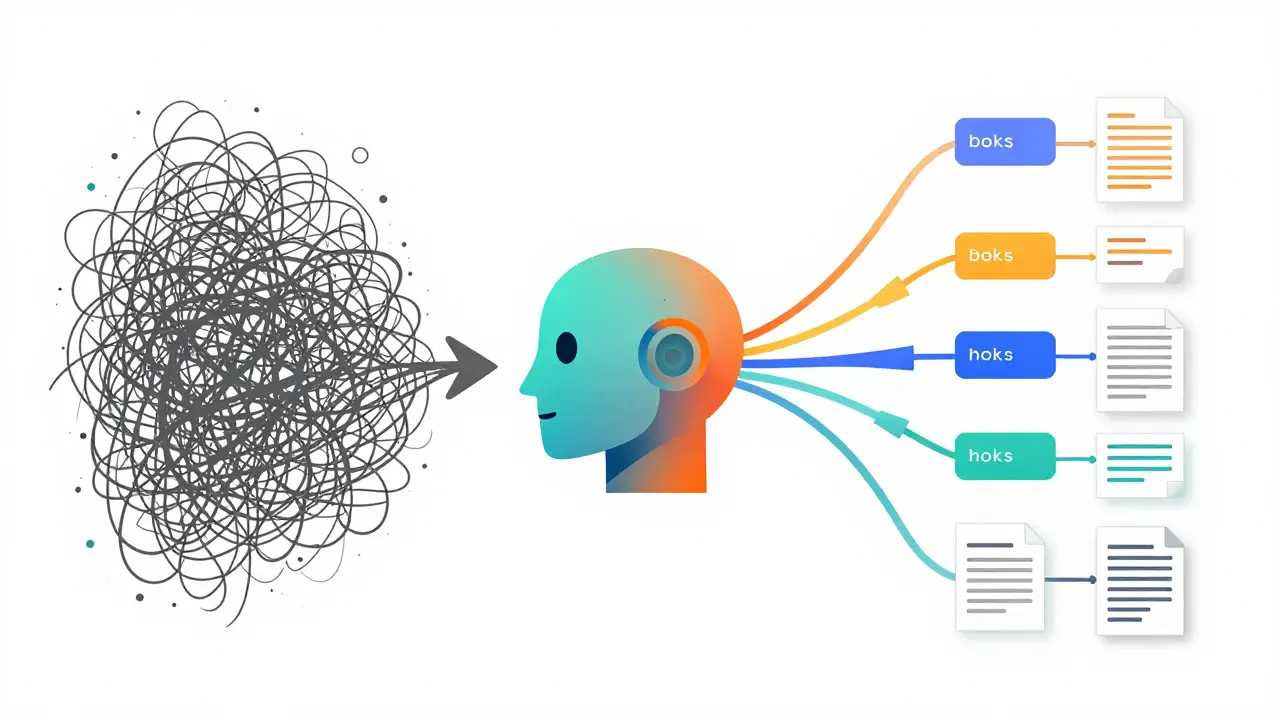
ChatGPT solves this by acting as an infinite brainstorming partner. It doesn’t get tired. It doesn’t judge your ideas. It simply outputs variations, hooks, and structures that you can refine. The key is understanding that the AI provides the draft, but you provide the soul. If you paste a prompt and hit publish without editing, your brand will sound hollow. Always add personal anecdotes, specific data points, or unique opinions to the AI-generated text.
Generating Scroll-Stopping Captions
The first thing people notice on their feed is the caption. On Facebook, unlike some other platforms, long-form text can actually perform well if it tells a story. Here is how to use ChatGPT to write captions that keep people reading.
Start with a clear context. Don’t just say “Write a post.” Give the AI a role and a goal. For example:
“Act as a friendly local coffee shop owner. Write a Facebook post announcing our new pumpkin spice latte. Keep it under 150 words. Use a warm tone. Include three relevant hashtags.”
This prompt works because it defines the persona (coffee shop owner), the product (pumpkin spice latte), the length constraint (under 150 words), and the emotional tone (warm). Prompt engineering is the skill of giving precise instructions. The more specific you are, the less editing you’ll need to do later.
Once the AI generates the draft, check for these common pitfalls:
- Generic openings: Change “We are excited to announce” to something punchier like “It’s finally here!”
- Lack of call-to-action (CTA): Ensure the post asks users to comment, share, or click a link.
- Robotic transitions: Replace phrases like “Furthermore” or “In conclusion” with natural conversational shifts.
Crafting High-Converting Ad Copy
Running ads on Meta Platforms (the parent company of Facebook) requires a different mindset than organic posting. Organic posts build community; ads drive action. Facebook Ads live or die by their copy. If the headline doesn’t hook the user in the first second, they scroll past.
ChatGPT excels at A/B testing variations. Instead of writing one ad, ask the AI to generate five distinct angles for the same product. For instance, if you’re selling ergonomic office chairs, request:
- A pain-point focused angle (back pain relief).
- A benefit-focused angle (productivity boost).
- A curiosity-driven angle (why most chairs fail).
- A social proof angle (customer reviews).
- A direct offer angle (discount code).
This approach gives you a suite of tests to run through Meta Ads Manager. You can then analyze which angle resonates best with your target audience. Remember, Ad copy must comply with Meta Advertising Policies. Avoid making unrealistic claims like “Lose 10 pounds in a day” or using before-and-after images that violate guidelines. The AI might suggest bold claims, so always fact-check against policy rules.
Managing Community Engagement
One of the most underrated uses of AI on Facebook is handling customer service and community management. Responding to comments and messages promptly boosts your algorithmic ranking. But replying to hundreds of similar questions manually is inefficient.
You can use ChatGPT to draft response templates. However, avoid copying and pasting identical responses. Facebook’s algorithm can flag accounts for spammy behavior if you repeat the exact same text too many times. Instead, use the AI to generate the core answer, then personalize it with the commenter’s name or a reference to their specific question.
For example, if a user asks about shipping times, don’t just send “Shipping takes 3-5 days.” Ask the AI to rewrite it warmly: “Hey Sarah! Thanks for asking. We usually ship within 24 hours, so you should see it in 3-5 business days. Let me know if you have any other questions!” This small touch makes the interaction feel human, even if the AI helped draft it.
Strategic Planning and Ideation
Beyond writing, ChatGPT can help with high-level strategy. Many marketers struggle with Content calendars. They know they need to post, but they lack a cohesive theme for the month.
Ask the AI to build a monthly content plan based on your industry events, holidays, or product launches. Provide the dates and goals, and let the AI structure the weeks. For a B2B software company, you might ask:
“Create a 4-week Facebook content calendar for a SaaS startup launching a new CRM feature. Week 1: Teaser. Week 2: Educational tips. Week 3: Social proof. Week 4: Launch day. Include post types (image, video, poll) for each day.”
This creates a scaffold for your work. You still need to produce the actual assets (videos, graphics), but the strategic framework is ready. This saves hours of planning meetings and ensures your messaging stays consistent throughout the launch cycle.
| Task | Manual Approach | AI-Assisted Approach |
|---|---|---|
| Brainstorming Ideas | High mental effort, prone to writer’s block | Rapid generation of 10+ concepts in seconds |
| Drafting Ad Copy | Time-consuming, limited variations | Multiple angles generated instantly for A/B testing |
| Tone Consistency | Depends on mood and energy levels | Consistent tone when prompted correctly |
| Error Checking | Human error likely in grammar/spelling | Near-perfect grammar, but factual errors possible |

Pitfalls to Avoid
While powerful, ChatGPT is not infallible. One major risk is Hallucination, where the AI invents facts, statistics, or quotes that never happened. If you ask it to cite a study about consumer behavior, it might make up a source. Always verify any claim with a primary source before publishing.
Another issue is over-reliance. If every post sounds slightly different because you’re tweaking prompts randomly, your brand voice becomes fragmented. Create a style guide document and upload it to your chat session (if using a version that supports file uploads) or paste key brand attributes into every prompt. This keeps the output aligned with your identity.
Finally, be mindful of privacy. Never input sensitive customer data, private company secrets, or proprietary strategies into public AI models. Even if the provider claims data anonymity, it’s safer to anonymize information before processing it.
Next Steps for Implementation
To start using ChatGPT for Facebook effectively, follow this simple path:
- Define Your Voice: Write down three adjectives that describe your brand (e.g., professional, witty, helpful). Use these in every prompt.
- Batch Create: Spend one hour generating content for the entire week. Edit and schedule them using tools like Meta Business Suite.
- Test Ads: Run three different AI-generated ad copies against each other. Pause the losers after 48 hours and scale the winner.
- Review Weekly: Look at your top-performing posts. Ask the AI why they worked and generate more content in that style.
The technology is only as good as the strategy behind it. Use ChatGPT to remove the friction from creation, not to replace your creativity. By combining AI efficiency with human insight, you’ll build a stronger presence on Facebook than ever before.
Can I use ChatGPT to manage my Facebook page automatically?
No, ChatGPT cannot directly log into your Facebook account or auto-post. You must use it to generate content, which you then copy and paste into Meta Business Suite or Facebook Creator Studio. Automation tools exist, but they require separate integration and careful monitoring to avoid spam flags.
Does Facebook penalize AI-generated content?
Facebook does not explicitly ban AI-generated text. However, their algorithm prioritizes original, engaging content. If AI posts are low-quality, repetitive, or spammy, they will receive low reach. The key is to edit and personalize AI drafts to ensure they add value to the conversation.
How do I make ChatGPT sound like my brand?
Provide detailed context in your prompts. Include your brand’s tone, target audience, and examples of previous successful posts. You can also paste a short brand guideline document into the chat to set the style for subsequent requests.
Is ChatGPT free to use for Facebook marketing?
OpenAI offers a free tier of ChatGPT, but it may have usage limits or slower speeds during peak times. For heavy commercial use, a paid subscription like Plus or Pro is recommended to ensure reliability and access to advanced features like larger context windows.
What are the best prompts for Facebook ad headlines?
Effective prompts include: “Generate 5 catchy headlines for [Product] focusing on [Benefit]. Keep them under 40 characters. Use power words like ‘Free,’ ‘Instant,’ or ‘Proven.’” Specificity drives better results than vague requests.



Write a comment