
Facebook isn’t what it used to be. The algorithm changed. Organic reach dropped. And now, you’re spending hours trying to come up with fresh posts, reply to comments, and keep your audience engaged-all while running a business or managing a brand. What if you could cut that time in half and still get better results? That’s where ChatGPT comes in.
Why ChatGPT Works for Facebook
ChatGPT isn’t magic. But it’s the closest thing to having a part-time social media manager who never sleeps, never gets tired, and never runs out of ideas. It can generate post captions, draft replies to comments, suggest content calendars, and even write ad copy tailored to your audience. You don’t need to be a tech expert. You just need to know what to ask.
Facebook users scroll fast. If your post doesn’t grab attention in the first three seconds, it’s gone. ChatGPT helps you craft hooks that work. For example, instead of writing “We just launched our new product,” you can ask ChatGPT to turn it into: “92% of our customers didn’t know they needed this until they tried it. Here’s why.” That’s the kind of line that stops the scroll.
How to Generate Facebook Post Ideas with ChatGPT
Start by telling ChatGPT who your audience is. Be specific. Instead of saying “my customers,” say “busy moms in Texas who buy organic baby food.” The more detail, the better the output.
Try prompts like:
- “Give me 10 Facebook post ideas for a local bakery targeting parents with kids under 5.”
- “Write 5 engaging questions to ask my audience about their morning routines.”
- “Suggest 7 trending topics in sustainable fashion right now that I can turn into a Facebook post.”
ChatGPT will give you a list. Pick the ones that feel authentic to your brand. Then tweak them. Add your voice. Insert a real customer quote. Throw in a photo idea. That’s how you turn AI output into human connection.
One real example: A small fitness coach in Ohio used ChatGPT to generate 30 post ideas in 10 minutes. She posted one a day for a month. Her engagement rate jumped from 3.1% to 7.8%. Not because the posts were perfect-but because she stopped staring at a blank screen and started posting consistently.
Automate Comment Replies Without Losing Personality
Replying to comments is time-consuming. But ignoring them kills trust. ChatGPT can help you write quick, thoughtful replies that sound like you.
Here’s how:
- Copy a common comment you get-like “How much does this cost?” or “Is this available in Canada?”
- Paste it into ChatGPT with this prompt: “Write a friendly, human-sounding reply to this comment that matches my brand voice. I’m a small business owner who’s warm but professional.”
- Use the output as a template. Save it in a document or note app.
You’ll end up with a library of 10-20 go-to replies. When someone comments, you don’t start from scratch. You pick the closest match, tweak a word or two, and hit send. Saves 20+ minutes a day.
Pro tip: Never copy-paste AI replies word-for-word. Always add a personal touch-even just “Thanks, Sarah!”-to keep it real.
Turn Customer Reviews Into Facebook Content
People trust other customers more than ads. But most businesses don’t do anything with their reviews. ChatGPT can turn them into social proof posts.
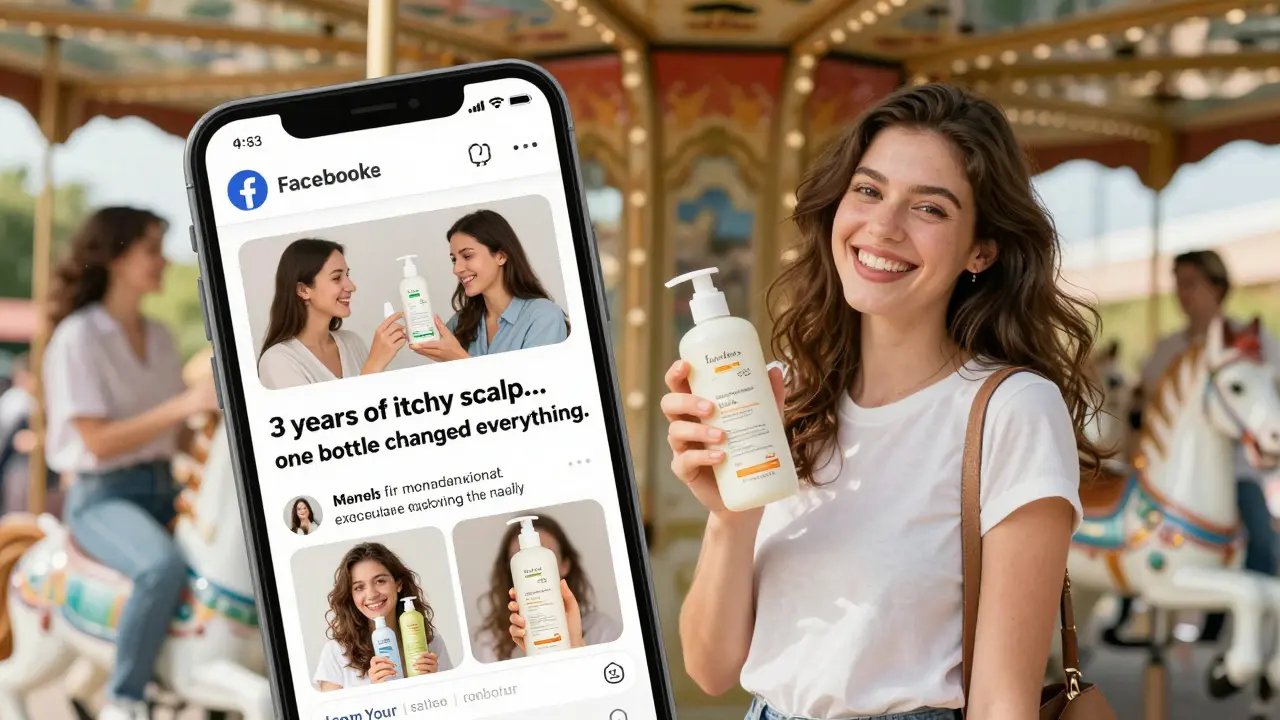
Take a 5-star review like: “This shampoo finally stopped my scalp itch after 3 years of trying everything.”
Ask ChatGPT: “Rewrite this customer review as a short, punchy Facebook post that highlights the product benefit and includes a call to action.”
Output might look like:
“3 years of itchy scalp. One bottle of our shampoo changed everything. 💬 ‘I finally feel normal again.’ - Lisa M.
Ready to say goodbye to irritation? Tap the link in bio. #NoMoreItch”
Post it with a photo of the product. Tag the customer (if they’re okay with it). Watch the likes roll in.
Build a Content Calendar in Under an Hour
Most people plan Facebook content week-by-week. That’s too reactive. A smart content calendar plans for holidays, trends, and product launches in advance.
Ask ChatGPT: “Create a 30-day Facebook content calendar for a home organization brand. Include 5 product posts, 3 customer stories, 2 tips, 1 poll, and 1 behind-the-scenes. Use holidays in March 2026.”
ChatGPT will give you a table with dates, post types, captions, and even image suggestions. You can copy it into Google Sheets or Notion. Then, batch-create your posts. No more scrambling on Sunday nights.
One user in Florida built her entire March calendar in 45 minutes. She posted every day. Her follower growth hit 1,200 new followers that month-almost all organic.
Write Better Facebook Ads with AI
Facebook ads aren’t just about targeting. The copy matters just as much. ChatGPT can help you test multiple ad angles fast.
Try this prompt: “Write 5 different Facebook ad headlines and descriptions for a $49 meal prep service targeting working professionals in Chicago. Focus on time savings, health, and stress reduction.”
ChatGPT will give you options like:
- “Stop eating takeout. Get 5 chef-designed meals delivered every Monday. 30 minutes of prep = 7 days of dinners.”
- “Your 8 PM scramble for dinner? We fixed it. No cooking. No cleanup. Just real food.”
Run all five as A/B tests. See which one gets the lowest cost per click. Then double down on what works.
Another trick: Ask ChatGPT to rewrite your top-performing ad in 3 different tones-funny, serious, emotional. You’ll find new angles you never thought of.
What Not to Do with ChatGPT on Facebook
AI is powerful-but it’s not perfect. Here are the mistakes people make:
- Posting AI text verbatim: It sounds robotic. Always edit. Add your personality.
- Using it for sensitive topics: Don’t let ChatGPT write replies about health, politics, or personal tragedies. Humans should handle those.
- Ignoring engagement: AI can draft replies, but you still need to respond to DMs, answer questions, and show up. Don’t ghost your audience.
- Forgetting visuals: ChatGPT can’t make images. Pair every post with a photo, video, or carousel. Text alone doesn’t cut it anymore.
Think of ChatGPT as your assistant-not your replacement. You’re still the boss. The brand. The voice.
Real Results: Who’s Actually Using This?
You don’t have to take our word for it. Here are three real cases from 2025:
- A local pet store in Portland used ChatGPT to generate 15 pet care tips. Posted one per week. Their page views increased by 210% in 60 days.
- A freelance photographer in Atlanta asked ChatGPT to turn client testimonials into mini-stories. Posted them as carousels. Booked 12 new sessions in two weeks.
- A vegan meal kit company in Seattle used ChatGPT to write daily comment replies. Their reply rate jumped from 22% to 76%. Facebook boosted their reach by 40%.
They didn’t hire a team. They didn’t spend thousands on ads. They just started asking better questions.
Getting Started: Your First 5 Prompts
Here are five prompts you can copy and paste right now:
- “Give me 7 Facebook post ideas for [your business] that solve a common problem my customers have.”
- “Rewrite this customer review as a short, engaging Facebook post: [paste review].”
- “Write 5 friendly replies to ‘How much does this cost?’ that sound human and match my brand.”
- “Create a 7-day content calendar for [your niche] with 3 tips, 2 questions, and 2 product posts.”
- “What are 3 trending topics in [your industry] right now that I can turn into a post?”
Save these. Use one every Monday. Watch your content load go from overwhelming to effortless.
Final Thought: AI Doesn’t Replace Connection-It Enables It
Facebook isn’t about posting the most. It’s about posting the right things, at the right time, in the right voice. ChatGPT doesn’t replace that. It gives you the space to do it better.
You still need to care. You still need to listen. You still need to show up. But now, you don’t have to waste hours staring at a blank post box. You can focus on what matters: building real relationships with the people who follow you.
Start small. Try one prompt today. See what happens.
Can ChatGPT post directly to Facebook?
No, ChatGPT can’t post directly to Facebook. It’s a writing tool, not a scheduler. You need to copy its output and paste it into Facebook manually-or use a third-party tool like Buffer, Hootsuite, or Later to schedule posts after you’ve edited them.
Is using ChatGPT for Facebook against Facebook’s rules?
No, Facebook doesn’t ban AI-generated content. But they do penalize low-quality, spammy, or misleading posts. If your AI posts sound robotic, fake, or overly promotional, your reach will drop. The key is editing. Add your voice, your stories, your personality. AI is your helper, not your mask.
Do I need to pay for ChatGPT to use it for Facebook?
You can start with the free version of ChatGPT (GPT-3.5). It’s good enough for basic posts, replies, and ideas. But if you’re serious about scaling-like running ads, managing multiple pages, or generating long-form content-ChatGPT Plus (paid) gives you faster responses, better reasoning, and access to GPT-4, which understands context and tone much better.
How often should I use ChatGPT for Facebook content?
Use it as often as you need to reduce stress. Many small businesses use it daily for replies and weekly for planning. You don’t need to use it for every single post. Even using it for 2-3 posts a week can save you 5+ hours. The goal isn’t to automate everything-it’s to automate the boring stuff so you can focus on what’s meaningful.
Can ChatGPT help me grow my Facebook page faster?
It won’t magically make you go viral. But it can help you post more consistently, write better hooks, and respond faster-which are the real drivers of growth. Pages that post 3-5 times a week with engaging captions get 3x more reach than those that post once a week. ChatGPT makes that pace sustainable.
What if ChatGPT gives me bad advice?
It happens. ChatGPT can hallucinate facts or suggest tone-deaf replies. Always fact-check. If it suggests a post about a trending topic, verify it’s real. If it writes a reply that feels off, rewrite it. Trust your instincts. AI is a tool, not a guru.
Start today. Pick one prompt. Try it. See how much lighter your workload feels. That’s the real win.



Write a comment