
Stop staring at a blank text box. If you are an Instagram marketer in 2026, writer’s block is not an excuse anymore. You have a superpower right at your fingertips: ChatGPT is an advanced large language model developed by OpenAI that generates human-like text based on prompts. It can write captions, brainstorm Reel ideas, and even help you analyze trends faster than any human team could.
But here is the catch. Most people use it wrong. They ask for "a post about coffee" and get generic, soulless garbage that their audience ignores. To actually grow your following and drive sales, you need to treat ChatGPT like a junior copywriter who knows nothing about your brand until you tell them everything. This guide breaks down exactly how to leverage this tool for effective Instagram marketing is the practice of using the Instagram platform to promote products, services, or brands through visual content and engagement.
The Foundation: Building Your Brand Persona Prompt
Before you ask for a single caption, you need to set the stage. ChatGPT doesn’t know if you are a luxury jewelry brand or a quirky vegan bakery. If you don’t define your voice, the AI will default to a bland, corporate tone that kills engagement.
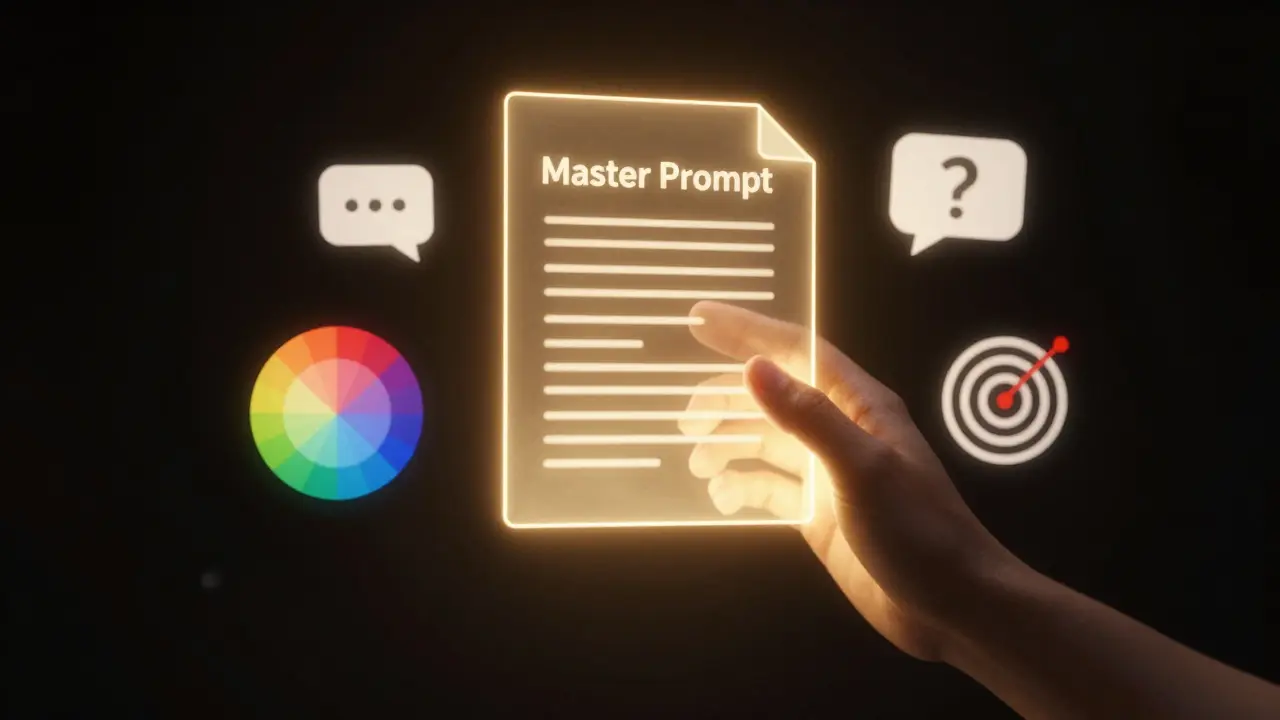
Create a "Master Prompt" that you paste at the start of every new chat session. This acts as your creative brief. Here is what it should look like:
"Act as a senior social media strategist for [Your Brand Name]. Our target audience is [Demographic, e.g., busy moms aged 30-45]. Our brand voice is [Tone, e.g., witty, empathetic, and direct]. We sell [Product/Service]. Avoid jargon, keep sentences short, and always include a clear call-to-action. Do not use emojis unless they fit the context naturally."
This simple step changes everything. Instead of getting five options that all sound like robots, you get five options that sound like *you*. This is the first rule of leveraging AI: specificity beats creativity every time.
Generating Content Ideas That Actually Convert
Running out of ideas is the number one reason accounts stall. ChatGPT excels at lateral thinking-connecting two unrelated concepts to create something fresh. Use it to brainstorm content pillars.
Ask for specific formats rather than vague topics. For example, instead of asking for "post ideas," try this:
- "Give me 10 Reel script ideas for a fitness coach that focus on common beginner mistakes. Each idea must have a hook, a value point, and a CTA."
- "Create 5 carousel post outlines explaining 'Why Your Skin Barrier Is Broken.' Include a title for each slide and a brief description of the visual."
- "Suggest 7 story poll questions for a fashion brand launching a summer collection to drive engagement."
The key here is structure. When you demand a hook, value, and CTA, the AI forces itself into a marketing framework. You aren't just getting ideas; you're getting executable assets. Review these ideas against your own knowledge. Does this resonate with your actual customers? If yes, move to writing. If no, tweak the prompt and try again.
Crafting Captions That Stop the Scroll
A pretty photo gets likes. A great caption gets saves and shares. In 2026, the Instagram algorithm prioritizes dwell time and meaningful interactions. Your caption needs to hold attention.
Use ChatGPT to draft three variations of every caption:
- The Storyteller: A longer, narrative-driven caption that builds emotional connection.
- The Educator: A concise, value-packed caption with bullet points.
- The Provocateur: A short, controversial, or question-based caption designed to spark comments.
After generating the drafts, apply the "Human Polish" rule. AI tends to overuse transition words like "Furthermore" or "Additionally." Delete them. Break up long paragraphs. Add line breaks for readability. Insert personal anecdotes that the AI couldn't possibly know. This hybrid approach-AI speed + human soul-is the winning formula.

Optimizing Hashtags and SEO Metadata
Hashtags are no longer just #love or #instagood. Instagram has evolved into a search engine. Users search for keywords in captions and profiles. ChatGPT can help you build a strategic hashtag mix and optimize your bio for search.
Prompt the AI to categorize hashtags by volume and relevance:
"Generate a list of 30 hashtags for a post about sustainable home decor. Divide them into three groups: 10 high-volume (1M+ posts), 10 mid-volume (100k-1M posts), and 10 niche-specific (<100k posts). Ensure they are relevant to eco-friendly materials."
For profile optimization, ask ChatGPT to rewrite your bio using primary keywords. If you are a "Perth-based Yoga Instructor," ensure those exact words appear in your name field and bio. The AI can suggest variations that sound natural while packing in SEO juice.
Repurposing Content Across Formats
You shouldn't have to create unique content for every format. Leverage ChatGPT to repurpose one piece of core content into multiple assets. This is called "Content Waterfalling."
Take a blog post or a long-form LinkedIn article and feed it to the AI:
"Here is my blog post about [Topic]. Turn it into: 1. An Instagram Carousel outline (5 slides). 2. Three separate Instagram Reel hooks. 3. Five Instagram Story frames with text overlays. 4. A thread-style caption for a static image."
This multiplies your output without multiplying your effort. One hour of deep work becomes a week's worth of social media content. Just remember to adjust the tone for each format. Stories should be casual and urgent. Carousels should be educational and structured.
Planning Engagement and Community Management
Marketing isn't just broadcasting; it's conversing. ChatGPT can help you prepare for community management tasks, saving you mental energy during peak hours.
Use it to draft responses to common customer inquiries or negative comments. Create a library of pre-approved templates for:
- Thanking users for tagging your brand.
- Responding to price questions.
- Addressing shipping delays with empathy.
However, never copy-paste blindly. Always personalize the response with the user's name or specific details from their comment. Automation feels cold; personalized efficiency feels premium.
Avoiding Common AI Pitfalls
While powerful, ChatGPT has blind spots. Be aware of these risks to protect your brand reputation:
| Pitfall | Risk | Mitigation Strategy |
|---|---|---|
| Hallucinations | AI invents facts or statistics. | Always verify data points and claims before posting. |
| Generic Tone | Content blends in with competitors. | Inject personal stories and brand-specific slang. |
| Outdated Trends | AI references old memes or trends. | Check current trending audio and challenges manually. |
| Lack of Visual Context | Caption doesn't match the image. | Describe the image to the AI before asking for a caption. |
The biggest mistake is trusting the AI completely. You are the editor-in-chief. The AI is the intern. You decide what goes live. Always read through every word. Check for awkward phrasing, incorrect grammar, or tone-deaf statements.
Measuring Success and Iterating
Finally, use data to refine your prompts. If a certain type of caption consistently gets more saves, analyze why. Was it the hook? The length? The CTA? Feed this insight back into your Master Prompt.
Tell ChatGPT: "Our last post about [Topic] got 50% more saves than average. Analyze why and generate 5 new ideas following that same successful pattern." This creates a feedback loop where your AI gets smarter about your specific audience over time.
Leveraging ChatGPT for Instagram marketing is not about replacing your creativity. It's about removing the friction between having an idea and executing it. By setting clear personas, demanding structured outputs, and applying human polish, you can produce high-quality content at scale. Start small. Test one prompt today. See how it performs. Then iterate.
Can ChatGPT write viral Instagram captions?
ChatGPT can write *highly engaging* captions, but "viral" success depends on many factors including timing, visuals, and luck. AI provides the structural foundation and strong hooks, but the emotional resonance usually comes from human input and authentic storytelling. Use AI to draft, then humanize to connect.
Is it okay to use AI-generated content on Instagram?
Yes, absolutely. There is no penalty for using AI tools for ideation or drafting. However, transparency is good practice. More importantly, ensure the final content aligns with your brand voice and provides genuine value. Audiences care about quality and authenticity, not whether a robot helped write the first draft.
How do I make ChatGPT understand my brand voice?
Provide examples. Paste 3-5 of your best-performing past captions into the chat and ask the AI to "analyze the tone, style, and structure of these posts." Then, instruct it to "generate new content mimicking this specific style." This gives the AI a concrete reference point rather than relying on abstract adjectives like "funny" or "professional."
Can ChatGPT help with Instagram Reels scripts?
Yes, ChatGPT is excellent for scripting Reels. Ask for a script broken down by seconds: Hook (0-3 seconds), Value/Education (3-15 seconds), and Call-to-Action (15-30 seconds). Specify the visual cues for each section so you know what to film. This ensures your video retains viewer attention throughout.
Does using ChatGPT violate Instagram's terms of service?
No. Using AI to generate text, ideas, or strategies does not violate Instagram's Terms of Service. However, automated posting bots or spammy behavior triggered by AI-generated mass messaging might. Focus on using AI for content creation and strategy, not for automating interactions in a way that feels spammy or violates platform rules.



Write a comment