
SEO isn’t dead-it’s just gotten smarter. And if you’re still writing meta descriptions by hand or guessing which keywords to target, you’re already behind. ChatGPT isn’t here to replace you. It’s here to make you faster, sharper, and more strategic. In 2026, the top-performing SEO teams aren’t working harder. They’re working smarter-with AI as their co-pilot.
Stop Guessing Keywords. Start Validating Them.
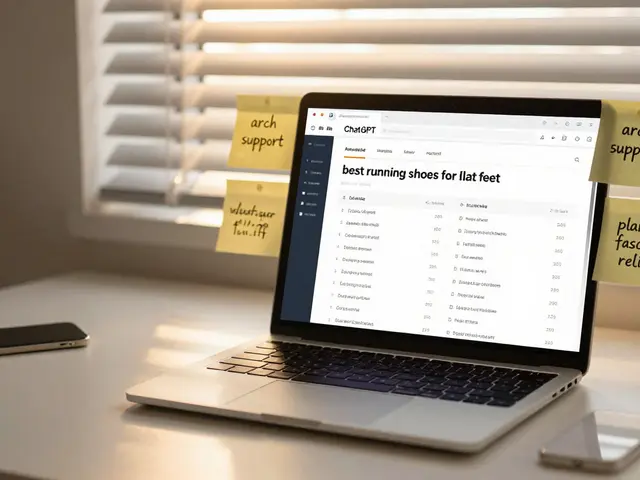
Keyword research used to mean hours in Google Keyword Planner, wrestling with low-volume terms and inflated competition scores. Now, you can ask ChatGPT: "What are the top 10 long-tail keywords for ‘best running shoes for flat feet’ in Australia, with search volume and intent?"
It won’t give you exact search numbers (Google still owns that data), but it will pull patterns from millions of real queries. It knows that people searching for “running shoes for flat feet” are also asking about “arch support,” “orthotic-friendly,” and “plantar fasciitis relief.” It connects intent to language. You get clusters-not just single keywords.
Try this prompt: "List 15 question-based keywords related to [your topic], grouped by search intent: informational, commercial, navigational." You’ll instantly see how users are framing their problems. That’s how you write content that ranks-not just keywords that trend.
Write Content That Ranks, Not Just Content That Exists
Writing SEO content isn’t about stuffing keywords. It’s about answering questions better than anyone else. ChatGPT helps you do that by reverse-engineering top-ranking pages.
Copy the top three headlines from Google’s first page for your target keyword. Paste them into ChatGPT and say: "Based on these headlines, what are the 7 key subtopics I must cover to outperform them?"
It’ll break down what those pages missed. Maybe they skipped user experience tips. Maybe they didn’t mention local regulations. Maybe they used jargon instead of plain language. You now have a content brief built from real competition-not guesswork.
Then ask: "Write a 1,200-word article on [topic] using this structure: H2s based on the subtopics you listed, with clear explanations, examples, and a conclusion that answers the user’s core question."
It won’t be perfect. But it’ll be 80% there. And that 80% saves you 5 hours. You edit for voice, add local context (like mentioning Adelaide’s walking trails for running shoes), and hit publish. That’s how you scale content without burning out.
Optimize On-Page Elements in Minutes
Meta titles and descriptions are tiny but powerful. Most people write them last-after the article’s done. That’s backwards.
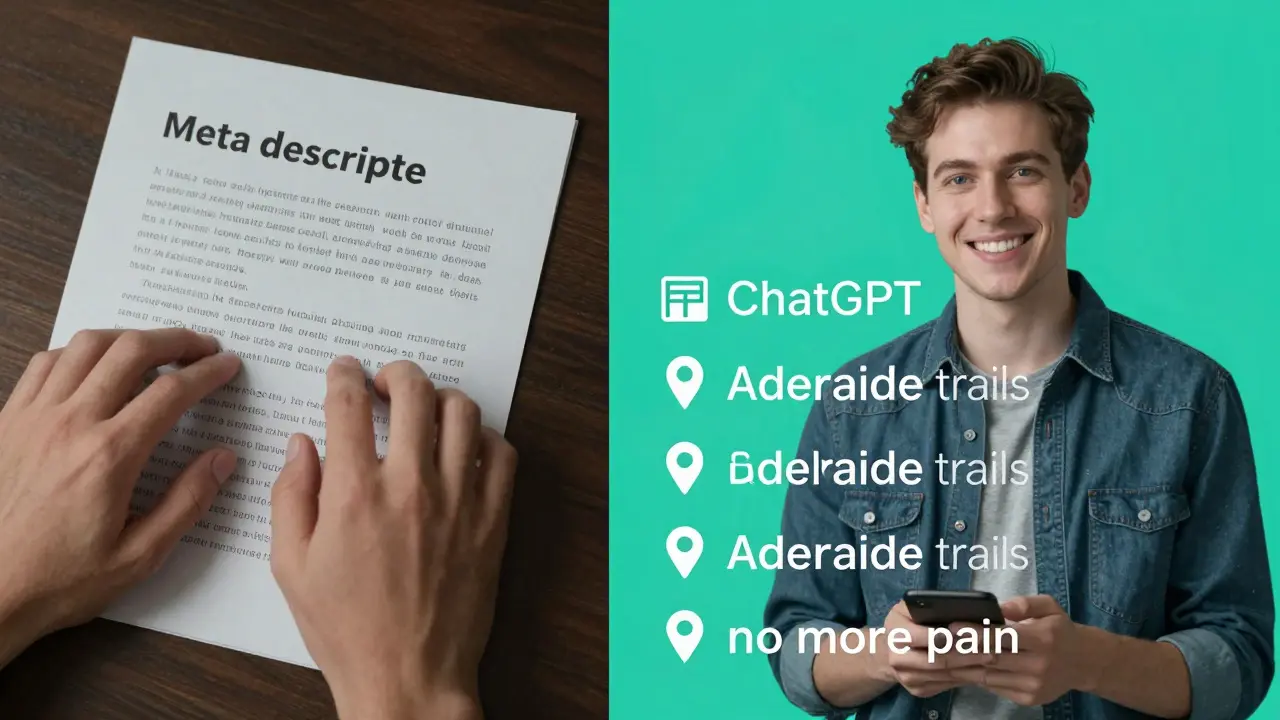
Use ChatGPT to generate 5 variations of your meta title and description before you even start writing. Prompt: "Generate 5 SEO-optimized meta titles and descriptions for [topic], each under 60 and 160 characters, with one primary keyword and a strong CTA. Avoid clickbait."
It’ll give you options like:
- Best Running Shoes for Flat Feet in Australia - Expert-tested picks with arch support. No more pain on Adelaide trails.
- Find the Right Running Shoes for Flat Feet - 2026 Guide with Podiatrist Tips
Notice how the first one includes location (Australia), benefit (no more pain), and specificity (Adelaide trails)? That’s local SEO working. You can tweak these further with real data from Google Search Console later.
Same goes for H1s, image alt text, and internal linking suggestions. Ask: "Suggest 3 internal links from this article to other pages on my site, based on topic relevance." It’ll propose links you might’ve overlooked.
Fix Technical SEO Issues Without a Developer
You don’t need to be a coder to spot basic technical SEO problems. ChatGPT can help you interpret what’s broken.
Copy a snippet from your Google Search Console report-like a list of pages with high impressions but low CTR. Paste it in and ask: "Why might these pages have high impressions but low click-through rates? List 5 possible reasons and how to fix them."
It might say: “Your titles are too generic. Try adding numbers or power words.” Or: “The meta descriptions don’t answer the query. Add a benefit or solution.”
Or say: "Analyze this URL structure: /category/product-name/ and suggest improvements for SEO." It’ll tell you to add keywords, shorten it, or use hyphens instead of underscores.
Even schema markup? Ask: "Generate a JSON-LD FAQ schema for a page about running shoes for flat feet." Copy-paste it into your CMS. Boom-rich snippets enabled.
Track Performance and Adjust Faster
SEO isn’t a set-it-and-forget-it game. You need to know what’s working. But you don’t need to spend hours in analytics.
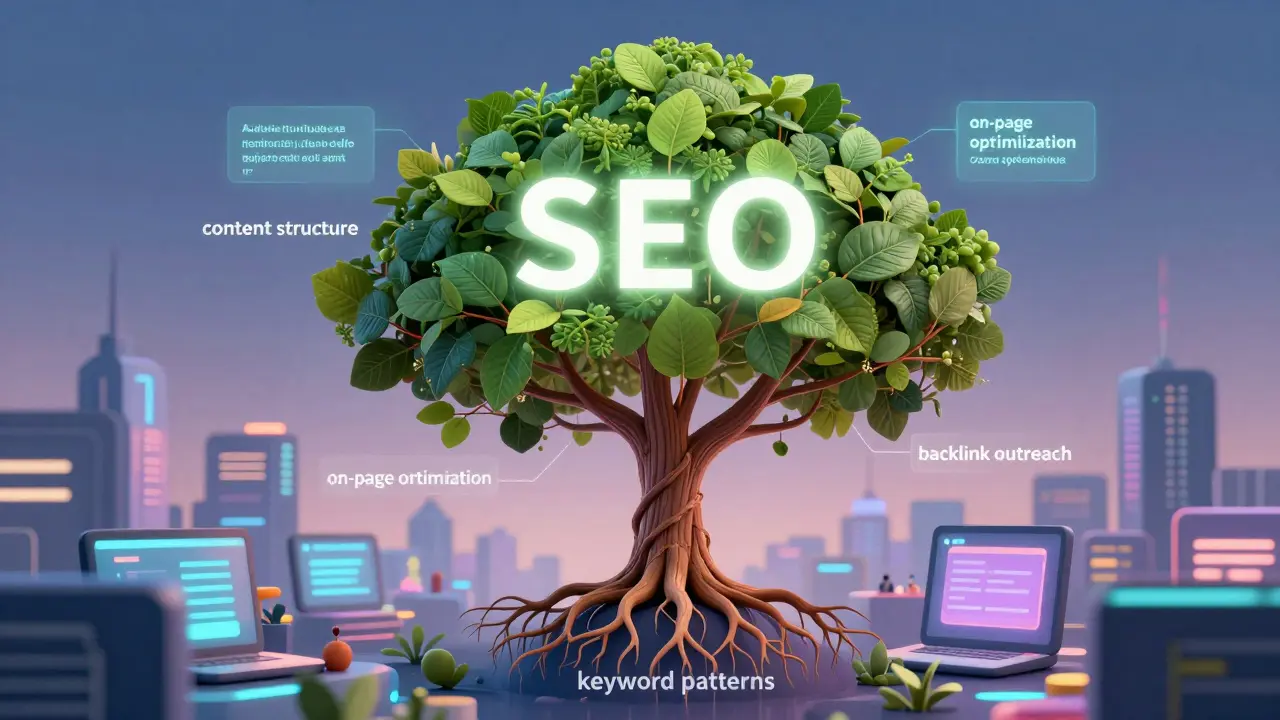
Export your top 10 performing pages from Google Analytics. Paste the list into ChatGPT and say: "Analyze these URLs and identify common patterns in content structure, word count, keyword usage, and backlink potential."
It might notice: “All top pages have over 1,800 words, include 3+ H2s with question-based headers, and mention ‘Adelaide’ at least twice.” Now you have a template. Apply it to your next 5 articles.
Ask: "What are 3 quick wins to improve the CTR of my lowest-performing page?" It might suggest rewriting the title to include “2026,” adding a number (“7 Best”), or using a power word like “Proven.”
Small tweaks. Big results. That’s the power of AI-assisted SEO.
Build Backlinks Without Cold Emailing
Backlinks still matter. But cold outreach? Exhausting. And ineffective.
Use ChatGPT to find link-worthy opportunities without lifting a finger. Prompt: "Find 5 Australian blogs or local news sites that have written about running shoes in the last 6 months. Include their contact email if possible."
It won’t give you live emails (that’s still manual), but it’ll name sites like “The Australian Runner,” “Footwear Insider,” or “Adelaide Health Weekly.” Now you know who to reach out to.
Next, ask: "Write a personalized outreach email to the editor of [site name], suggesting a link to our guide on running shoes for flat feet because we include local trail recommendations they didn’t cover."
It writes a natural, non-salesy email. You tweak the tone, add your name, and send. No more templates. No more ghosting.
What Not to Do With ChatGPT in SEO
ChatGPT is powerful-but it’s not magic. And it’s not perfect.
- Don’t publish its first draft. It’s prone to fluff, repetition, and made-up stats. Always edit for voice, accuracy, and local relevance.
- Don’t rely on it for real search volume. Use Google Keyword Planner, Ahrefs, or SEMrush for numbers. ChatGPT gives patterns, not metrics.
- Don’t use it to generate fake reviews or spammy content. Google penalizes low-quality, AI-generated content that lacks human insight.
- Don’t ignore user intent. If your audience wants a quick answer, don’t make them scroll through 3,000 words. Use ChatGPT to match depth to intent.
The goal isn’t to automate SEO. It’s to augment it. You bring the strategy, the local knowledge, the brand voice. ChatGPT brings the speed, the data patterns, the brainstorming power.
Start Today: Your 7-Day ChatGPT SEO Challenge
Here’s how to begin-no experience needed.
- Day 1: Pick one keyword you’ve been struggling with. Ask ChatGPT for 10 related long-tail keywords grouped by intent.
- Day 2: Find the top 3 ranking pages. Ask ChatGPT: “What are the 5 missing subtopics?”
- Day 3: Write a meta title and description using ChatGPT’s suggestions.
- Day 4: Generate a 1,000-word draft for your article. Edit it for your voice.
- Day 5: Ask ChatGPT to suggest 3 internal links for your article.
- Day 6: Use it to write one outreach email to a local site for a backlink.
- Day 7: Review your Google Search Console. Pick one low-CTR page. Ask ChatGPT: “Why is this underperforming?” Fix it.
After seven days, you’ll have one improved page. You’ll also have a system. That’s how you get ahead-not by doing everything, but by doing the right things faster.
Can ChatGPT replace SEO professionals?
No. ChatGPT is a tool, not a strategist. It can write content, suggest keywords, and spot patterns-but it can’t understand your brand, your audience’s emotions, or local market nuances. The best SEOs use AI to work smarter, not to be replaced by it.
Is SEO with ChatGPT ethical?
Yes-if you use it responsibly. Google doesn’t ban AI-generated content. It bans low-quality, deceptive, or spammy content. If you edit AI output, add real expertise, and focus on helping users, you’re following Google’s guidelines. Transparency and value matter more than who wrote it.
What’s the best free tool to pair with ChatGPT for SEO?
Google Search Console and Google Trends. Search Console shows what’s actually working on your site. Trends tells you if interest in your keyword is rising or falling. Use ChatGPT to interpret the data from these tools-not replace them.
How accurate is ChatGPT for keyword research?
It’s accurate on patterns, not numbers. It knows that “best running shoes for flat feet” often connects to “arch support” or “plantar fasciitis.” But it doesn’t know if a term gets 1,000 or 10,000 searches a month. Always cross-check with Google Keyword Planner or Ahrefs for volume data.
Can ChatGPT help with local SEO?
Absolutely. Ask it to include location-specific terms like “Adelaide,” “South Australia,” or “near Glenelg.” It can suggest local landmarks, events, or phrases people in your area actually use. Local SEO thrives on relevance-and ChatGPT helps you match that.

Write a comment