
Ever spent an hour crafting a single tweet, only to get three likes and a spam reply? You’re not alone. On Twitter, where attention spans are shorter than a meme’s lifespan, standing out isn’t just about being funny or timely-it’s about being consistent, smart, and human. That’s where ChatGPT steps in-not as a replacement for your voice, but as your co-pilot.
Why Twitter Needs AI Help
Twitter moves fast. Trends pop up at 3 a.m. Brands need to respond before the moment fades. Humans can’t keep up. Even top social media managers juggle 10+ accounts, track hashtags, reply to comments, and monitor sentiment-all while trying to sound like a real person, not a corporate bot.
ChatGPT doesn’t sleep. It doesn’t get tired. And it doesn’t need coffee. But here’s the catch: it won’t work if you just paste a prompt and hit enter. You need to train it to sound like you.
How ChatGPT Actually Works on Twitter
ChatGPT doesn’t log into your account. It doesn’t post automatically. It’s a writing assistant. Think of it like a sharp intern who reads your past tweets, knows your brand tone, and can draft replies in seconds.
Here’s how it works in practice:
- You feed it 5-10 of your best-performing tweets
- You tell it your brand voice: sarcastic? professional? meme-heavy?
- You ask: “Write a reply to this tweet: [paste tweet]”
- You edit it-add a emoji, tweak a phrase-and post
That’s it. No APIs. No coding. Just you + AI + your keyboard.
Real Use Cases That Actually Work
Let’s look at what’s working right now for small businesses and creators:
1. Responding to Comments Faster
Someone tweets: “Your pricing page is confusing.”
Instead of typing a long reply, you paste the tweet into ChatGPT and say:
“Reply to this in a friendly, helpful tone. I’m a small business owner who fixes confusing pricing pages. Keep it under 280 characters.”
ChatGPT gives you: “Sorry you’re confused! We just simplified our plans last week. Here’s a quick guide: [link]. Hit reply if you want me to walk you through it.”
You copy, paste, hit send. Done in 12 seconds.
2. Turning Threads Into Viral Content
Threads still win on Twitter. But writing them is hard. You need structure, rhythm, and a hook every 3 lines.
Try this prompt:
“Turn this idea into a Twitter thread: [your idea]. Start with a bold claim. Use short lines. End with a question. Keep it under 10 tweets. Sound like a real person, not a robot.”
ChatGPT gives you a draft. You tweak the first line to be punchier. Add a hashtag. Post. Get 2,000 impressions in 2 hours.
3. Scheduling Content Without Burning Out
Posting daily is exhausting. ChatGPT helps you batch-create content.
On Sunday night, spend 20 minutes:
- Ask: “Give me 7 tweet ideas for next week about [your niche].”
- Ask: “Write a tweet for each idea in a casual, conversational tone.”
- Copy them into a spreadsheet or scheduling tool.
Now you’ve got a week of content ready. No writer’s block. No last-minute panic.
What Not to Do With ChatGPT on Twitter
AI isn’t magic. And if you use it wrong, people notice-and they hate it.
Here are the three biggest mistakes:
Mistake 1: Posting AI-Generated Tweets Without Editing
ChatGPT is great-but it’s not you. It doesn’t know your inside jokes, your pet peeves, or the way you say “lol” instead of “haha.”
Example: AI writes: “Our product is a revolutionary solution to optimize your workflow.”
You write: “Tried 5 apps to get organized. This one didn’t make me cry. Nice.”
Which one sounds real? The second. Always edit.
Mistake 2: Using It to Reply to Negative Comments Without Checking
Someone says: “This product broke after 2 days.”
ChatGPT might reply: “We’re sorry to hear that! Please reach out to support.”
But what if the product did break? What if the person lost money? A canned reply makes you look dismissive.
Always read the context. Add empathy. Say: “I’m really sorry this happened. Can you DM me your order number? I’ll fix this personally.”
Mistake 3: Letting It Write Your Entire Brand Voice
Don’t let ChatGPT become your Twitter persona. It’s a tool, not your identity.
Use it to draft. Use your gut to decide what to send.
How to Train ChatGPT to Sound Like You
The secret isn’t fancy prompts. It’s consistency.
Here’s how to train it in 5 minutes:
- Open ChatGPT
- Paste 5 of your top-performing tweets
- Type: “Here are my tweets. I write in a [casual/professional/quirky] tone. I use emojis like 😅 and 🤯. I avoid jargon. I answer questions like I’m talking to a friend. Based on this, how would I reply to this tweet: [paste tweet]?”
- Test it. If the reply feels off, say: “Make it sound more like me.”
- Repeat until it gets it right.
After 3-5 tries, ChatGPT starts mimicking your voice. It’s not perfect-but it’s close enough to save you hours.
Tools That Make It Even Easier
You don’t need to copy-paste every time. A few free tools automate the workflow:
- Buffer or Hootsuite: Schedule your AI-drafted tweets
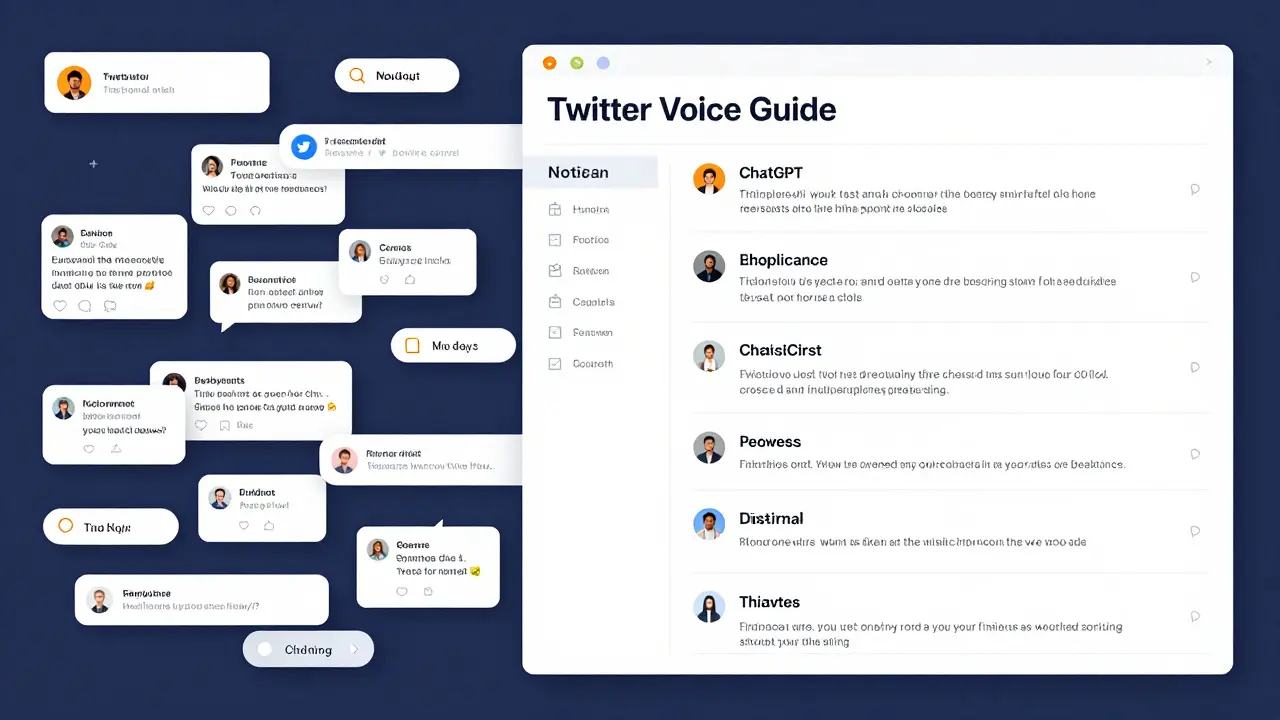
- Notion: Store your “voice guide” so ChatGPT remembers your style
- Twitter’s Advanced Search: Find trending conversations to respond to quickly
One creator in Brisbane uses Notion to store her “Twitter Voice Rules”: “Use contractions. Never say ‘utilize.’ Say ‘use.’ Add a 😊 if it’s a happy tweet. End with a question.”
She pastes that into ChatGPT before every reply. Result? 47% more replies in 3 months.

Is This Cheating?
No.
Writers use Grammarly. Designers use Canva. Developers use GitHub Copilot.
ChatGPT is just another tool. It doesn’t replace your creativity-it amplifies it.
Think of it like a typewriter for your brain. You still think. You still decide. You just don’t waste time on the typing.
Where to Start Today
You don’t need a plan. You just need to try one thing.
Here’s your 10-minute starter task:
- Find a tweet you didn’t reply to this week
- Paste it into ChatGPT
- Ask: “How would I reply to this in my voice?”
- Edit one word
- Post it
That’s it. You just used AI to connect with someone on Twitter. That’s not cheating. That’s being smart.
Final Thought: AI Won’t Replace You. But Someone Using AI Will.
Twitter rewards speed, authenticity, and consistency. You can’t be all three without help.
ChatGPT isn’t here to steal your job. It’s here to give you back your time. So you can focus on what matters: building real relationships, not chasing likes.
Start small. Stay human. Let the AI do the heavy lifting.
Can ChatGPT post tweets automatically?
No, ChatGPT can’t log into your Twitter account or post on its own. It’s a writing tool. You still need to copy, edit, and hit post. This keeps your account safe and your voice authentic.
Is using ChatGPT on Twitter against Twitter’s rules?
No. Twitter doesn’t ban AI-assisted posting. What’s banned is spam, bots that auto-post without human input, and misleading automation. As long as you’re editing and posting yourself, you’re fine.
How much time does ChatGPT save on Twitter?
Most users save 2-4 hours a week. That’s 10-20 hours a month. For small businesses, that’s time you can spend on customer calls, product improvements, or just resting. One user cut their tweet drafting time from 45 minutes to 8 minutes per day.
Does ChatGPT work for niche industries?
Yes. Whether you’re in plumbing, accounting, or indie game development, ChatGPT learns from your examples. Just give it 5 of your past tweets and tell it your tone. It adapts. You don’t need to be tech-savvy.
Can ChatGPT help me grow my followers?
Not directly. But it helps you engage better. More replies = more visibility = more followers. People follow accounts that respond. ChatGPT helps you respond faster and more consistently, which builds trust-and that’s what grows audiences.



Write a comment